Choose an ingredient's pricing unit
Per pound, per each or per gallon, and changing it safely.
Also known as: unit of measure · uom · base unit · per lb · per each · measure in · canonical unit · wrong unit · per kilo · per litre
An ingredient’s pricing unit is how its price is compared and reported: chicken per lb, cream per gal, lemons per each. Every vendor’s product for that ingredient is converted into it, so two vendors who sell in different case sizes can be compared like for like.
Pick the right one
| Unit kind | Units | Good for |
|---|---|---|
| Count | each, dozen | Things you count, where every piece is the same size: eggs, buns, tortillas |
| Weight | lb, oz, kg, g | Meat, fish, cheese, produce, dry goods |
| Volume | gal, qt, pt, l, ml, fl oz | Dairy, oils, sauces, syrups, drinks |
| Length | ft, in, m | Film, foil and paper by the roll |
Case, box, bag, bottle and can aren’t on the list. They’re how a product is billed, not what’s in it, so a price can’t be compared through them. The pack says what one case holds. See Set a product’s pack size.
Pick what’s inside, not how it’s billed. A gallon of dressing billed “1 each” should be priced per gal. That way a 1 gal jug and a 5 gal pail compare properly.
Change it
-
Tap Library, then the ingredient.
-
Tap Edit at the top right.
-
Choose a new Pricing unit.
-
Tap Save.
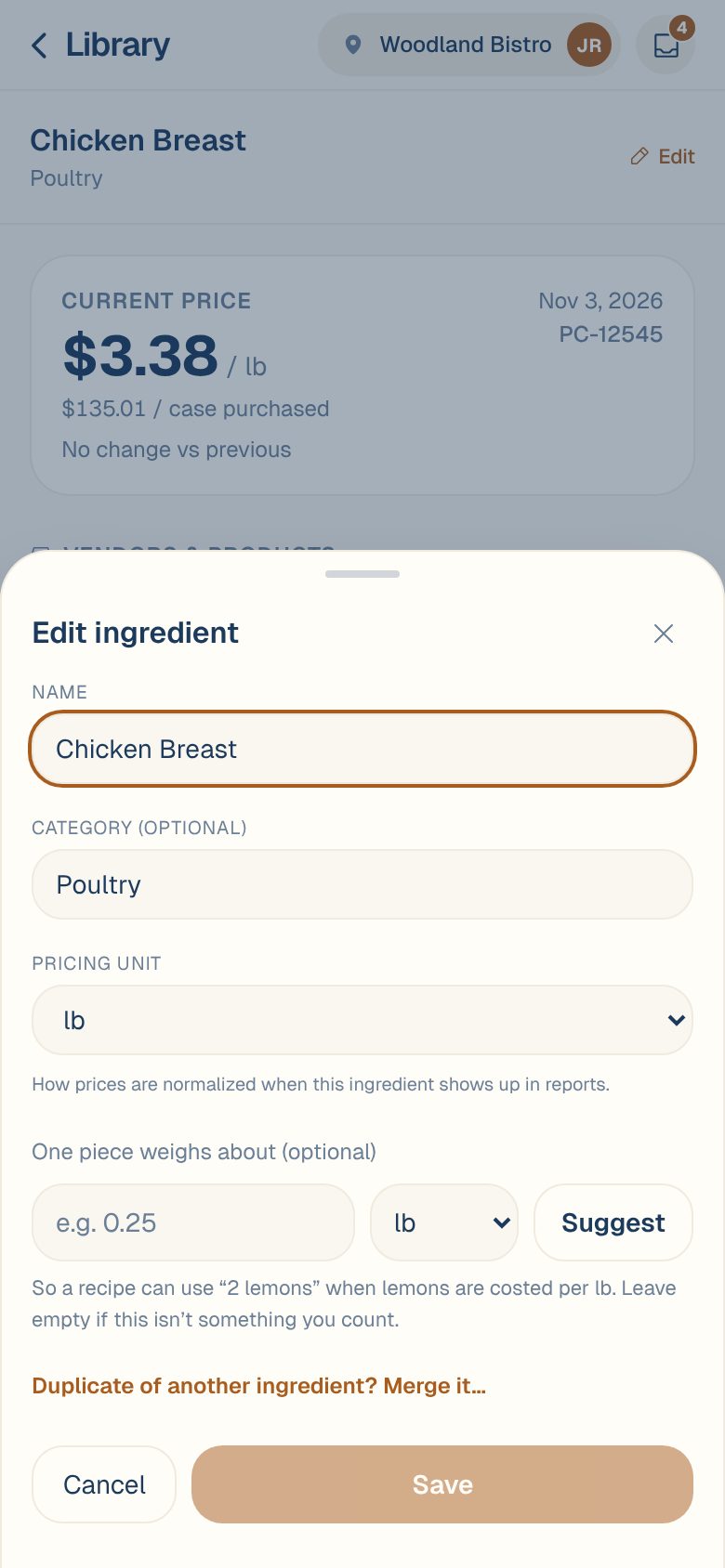
Every product on the ingredient has to convert into the new unit. If one can’t, for example its pack is in pounds and you chose each, Maitaki says why and doesn’t change it. Fix that product’s pack, or pick a unit they all share.
Past prices are re-read in the new unit, not rewritten. Recipes that used the old unit will need a look, so check them after you change it.
To price a count against weight, like lemons bought by the pound and used as “2 lemons”, don’t change the unit. Add a piece weight instead. See Cost by count with a piece weight.
When Maitaki spots a problem with the unit
If an ingredient’s unit and its products don’t line up, a card appears at the top of the ingredient page. Some prices can’t reach the price history until it’s sorted.
| You’ll see | What it means |
|---|---|
| Measured in each, but bought in lb | Every product measures it by weight, but it picked up “each” from how the invoice bills it. Tap Measure in lb to switch. |
| Its SKU can’t be measured in each | A product’s pack is in a unit that doesn’t convert. Tap Measure in its unit if offered, or fix that product’s pack. |
| Its SKUs measure this two different ways | One vendor sells it by weight and another by count. Give the odd one a pack in the ingredient’s unit, or a piece weight. |
| Priced per each, but the sizes differ | Its products come in different sizes, so a price per each compares a small one with a big one. Measure it in what’s inside instead. |
| ”…” isn’t something prices convert into | Pick a weight, volume, length, or each/dozen. |
If recipes use the ingredient, the card tells you how many, so you can check them after changing the unit.
Common questions
Why did Maitaki pick each for something I buy by weight?
When an ingredient is made from an invoice, its unit comes from the product’s pack. If the pack was missing or misread, it can end up as each. The card at the top of the ingredient page usually offers the fix in one tap.
Can I use pounds in a recipe if the ingredient is priced per oz?
Yes. Units of the same kind convert freely: lb and oz, gal and fl oz, kg and g. See Units and conversions in recipes.
The Save button won't change the unit.
A message under Pricing unit says which product doesn’t convert. Open that product from Vendors & products and fix its pack first.