Create your Maitaki account
Sign up with email or Google, then set up your restaurant and first location.
Also known as: sign up · signup · register · new account · get started · onboarding · open account · registration · first time · setup
Setting up Maitaki takes a couple of minutes: you make an account, name your restaurant, and add your first location. You become the Owner, and you can invite your team once you’re in.
If your restaurant already uses Maitaki, don’t set up a new one. Ask whoever runs it to invite you, then follow Join your team on Maitaki.
Make your account
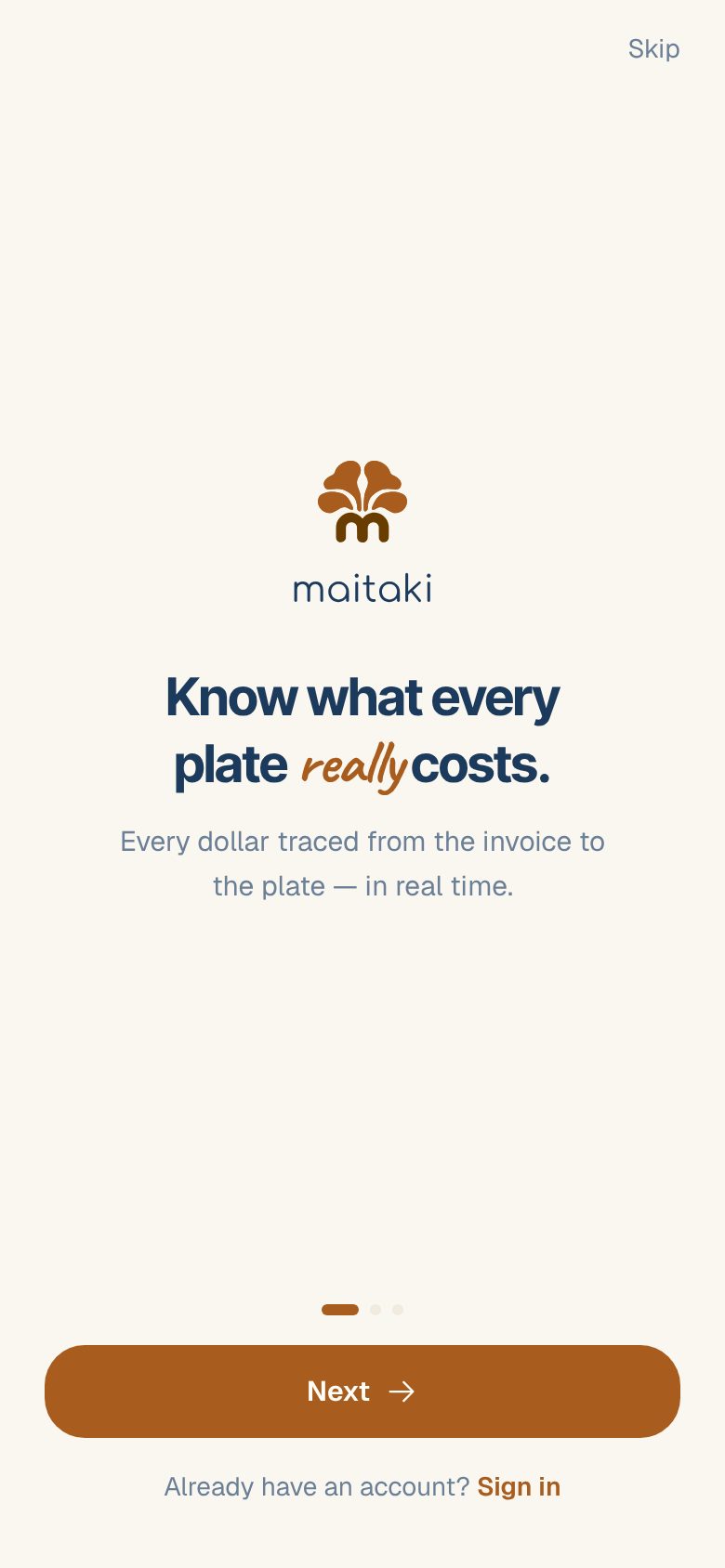
- Open Maitaki. Tap Next to page through the welcome screens, or Skip at the top right.
- On Create your account, enter your First name, Last name (optional), Email and a password of at least 6 characters.
- Tap Continue.
Prefer Google? Tap Continue with Google instead of filling in the form, and pick your Google account.
Set up your restaurant
- On How are you using Maitaki?, tap I’m setting up my restaurant.
- On Name your restaurant, type the name of your business or group, for example The Grotto Group. Tap Continue.
- On Add your first kitchen, type a name for your first location, for example Main Street. Tap Finish setup.
- When you see You’re all set., tap Enter Maitaki.
You land on your Dashboard. It fills in as you add invoices and connect your sales.
Name the location the way your team says it. Everyone picks it from a list when they switch locations, so Main Street works better than a legal entity name. You can rename it later.
What to do next
- Photograph a delivery invoice to start pricing your ingredients.
- Connect your POS, such as Clover or Toast, so sales flow in.
- Invite someone to your team.
- Got more than one restaurant? Add a location.
Common questions
It says "This email is already registered".
You already have an account with that email. Tap Sign in and use the password you set before. If you can’t remember it, see I can’t sign in.
I tapped "I'm joining a team" by mistake.
On the Waiting for your invite screen, tap Start a restaurant at the bottom. You’ll go on to name your restaurant.
Do I need a credit card to sign up?
No. Sign-up only asks for your name, email and a password, or your Google account.
Can I change the restaurant name later?
Yes. The Owner can change it in Settings → Organization. See Rename your organization.