Edit a vendor's name and contact details
Why the name matters when invoices are matched.
Also known as: rename vendor · vendor email · vendor phone · supplier name · vendor details · edit supplier · typo in vendor · phone number · contact info
Each vendor’s page holds their name, email and phone number. Keep the name right: it’s what invoices are matched to, and it shows on every invoice, report and comparison.
Edit a vendor
- Tap Purchases, then the Vendors tab, then the vendor.
- Tap Edit at the top right.
- Change the Name, Email or Phone.
- Tap Save vendor.
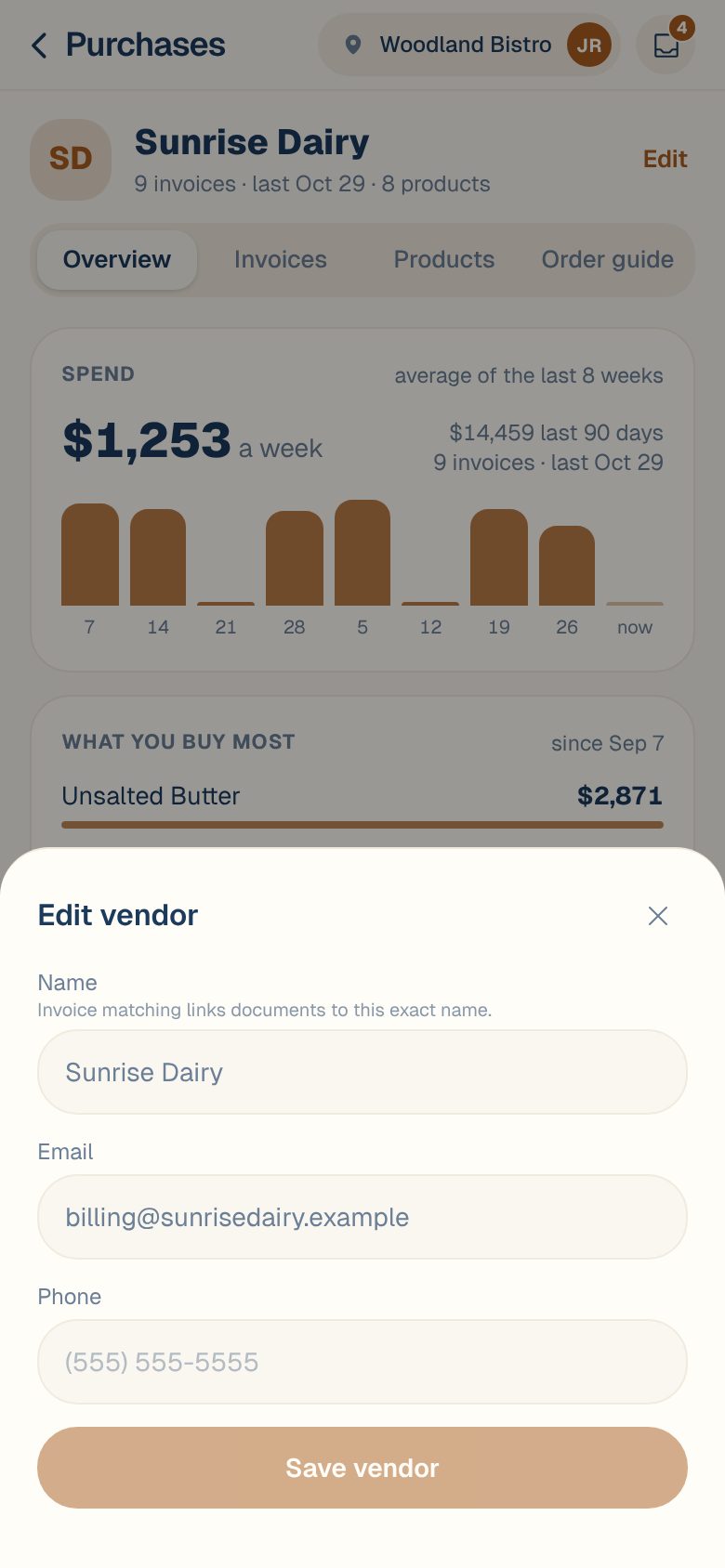
The new name shows straight away everywhere that vendor appears, including invoices you already have.
Why the name matters
Under Name, the sheet says Invoice matching links documents to this exact name. So keep it close to the way the vendor prints it on their invoices.
A vendor needs a name. If you clear it, you’ll see The vendor needs a name.
Common questions
An invoice is under the wrong vendor.
Fix it on the invoice, not here. Open the invoice and tap Edit to pick the right vendor. See Change an invoice’s vendor, number, date or total.
I don't see Edit on the vendor page.
You have Viewer access, which can look but not change. Ask an Owner or Admin to change your role. See Roles: who can do what.
How do I add a new vendor?
You don’t need to. Vendors appear as they’re confirmed on invoices. When an invoice comes in from someone new, pick or create the vendor on that invoice. See Change an invoice’s vendor, number, date or total.