Change an invoice's vendor, number, date or total
Fix the details at the top of an invoice.
Also known as: wrong vendor · wrong date · wrong total · typo · vendor not matched · misread · change supplier · unknown vendor · correct invoice · amend
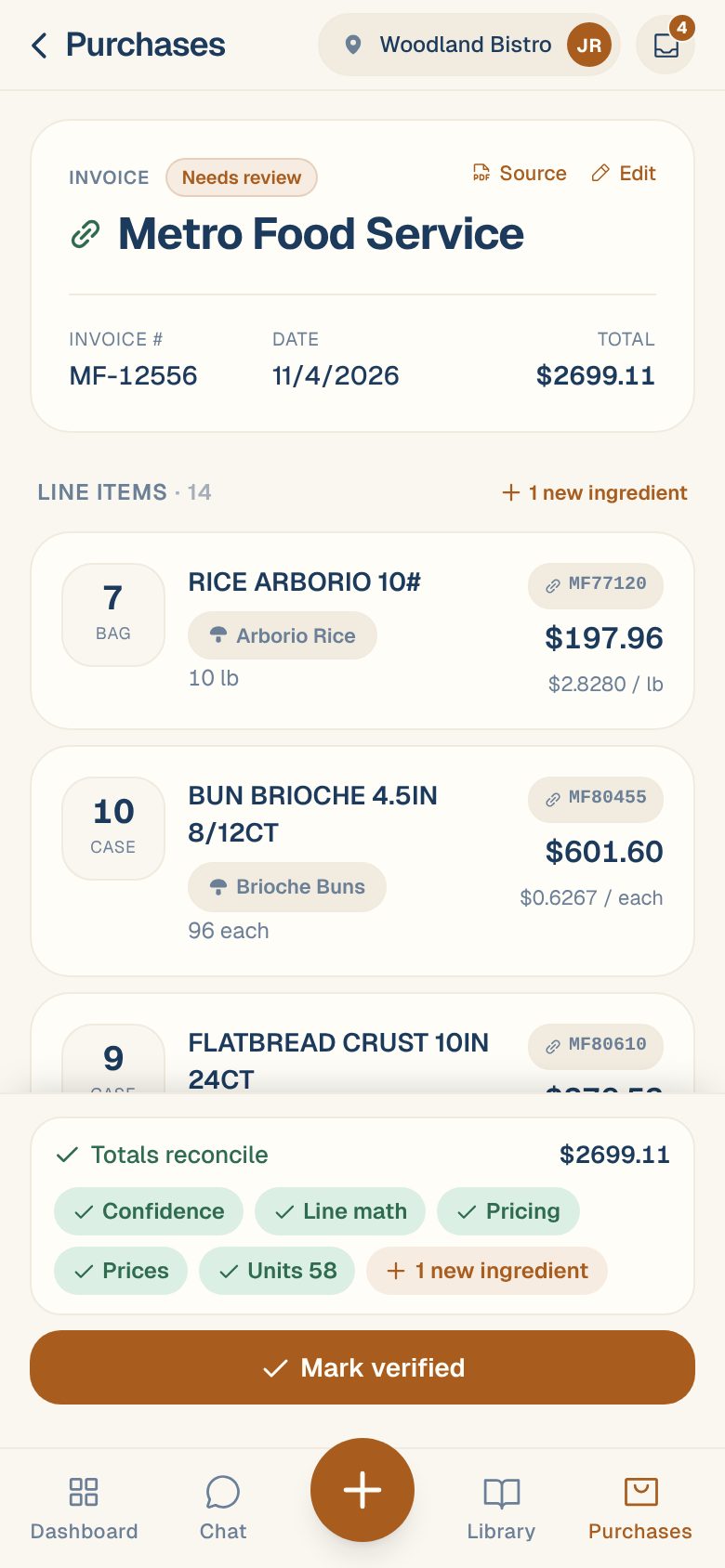
The top of an invoice holds its vendor, invoice number, date and total. Maitaki reads them from the page, but a smudge or an unusual layout can trip it up. Fixing them matters: the vendor decides which products the lines are matched to, the date decides which week the spend lands in, and the total is what the lines are checked against.
Open the edit sheet
- Open the invoice from Purchases → Invoices or the Inbox.
- Tap Edit at the top right of the invoice card.
The Edit invoice sheet opens with the vendor at the top and the other details under Extracted from invoice.
Pick the right vendor
If the vendor name at the top of the invoice has a red warning, Maitaki couldn’t match it to one of your vendors. The sheet says No vendor matched. Pick an existing one or create a new vendor below.
- Tap Match manually, search for the vendor and tap it.
- Or, for a vendor you’ve never used, tap Create new, check the Name and tap Create + link.
If a vendor is already set but it’s the wrong one, tap Change next to it and pick the right one. Tap ✕ to clear it.
An invoice can’t be verified until it has a vendor. Until then the button reads Resolve vendor to verify.
Fix the number, date or total
- Under Extracted from invoice, correct the Invoice #, Date or Total.
- Tap Save.
For a credit, the total is negative. Type a minus sign, like -44.60, or tap ± next to the total to flip it, since phone number pads often have no minus key. If Maitaki can’t read what you typed, it tells you and doesn’t save.
Check the total against the paper. The total is what every line is added up against. If you change it, the Totals reconcile check runs again with the new number. See When the lines don’t add up to the total.
Common questions
Does editing an invoice stop it being verified automatically?
Yes. Once someone has edited an invoice by hand, Maitaki leaves it for a person to verify, even with auto-verify on. Verify it yourself when you’re done. See Review and verify an invoice.
The vendor's name is spelled wrong everywhere.
That’s the vendor’s own name, not this invoice. Change it on the vendor’s page. See Edit a vendor’s name and contact details.
I can't see Edit.
You have Viewer access. Members and above can edit invoices. See Roles: who can do what.
Where's the delete button?
At the bottom of the Edit invoice sheet, for Managers, Admins and Owners. See Re-open or delete an invoice.