Manage your chats
New chats, renaming, archiving, and who can see them.
Also known as: conversations · history · sessions · rename chat · shared chat · delete chat · old chats · thread · private chat · clear chat
Each location has its own set of chats, and everyone who can open that location sees them. Start a new chat for each new topic, so answers stay easy to find later.
Who can see your chats
Chats are shared with your team at the location. Everyone with access to it can read every chat there and ask in it. Each person’s messages show their name and picture, and when a teammate asks something, you can watch the answer come in.
Switching location switches the chats too. A chat started at one location doesn’t show at another. See Switch between locations.
Chats aren’t private. Anyone at the location can read what you ask, so keep personal matters out of them.
Start a new chat
- Tap Chat at the bottom of the screen.
- Tap New chat at the top right.
- Ask your question.
Maitaki names the chat for you after the first answer. Your earlier chats stay where they were.
Open an earlier chat
- In Chat, tap the chat’s name at the top left.
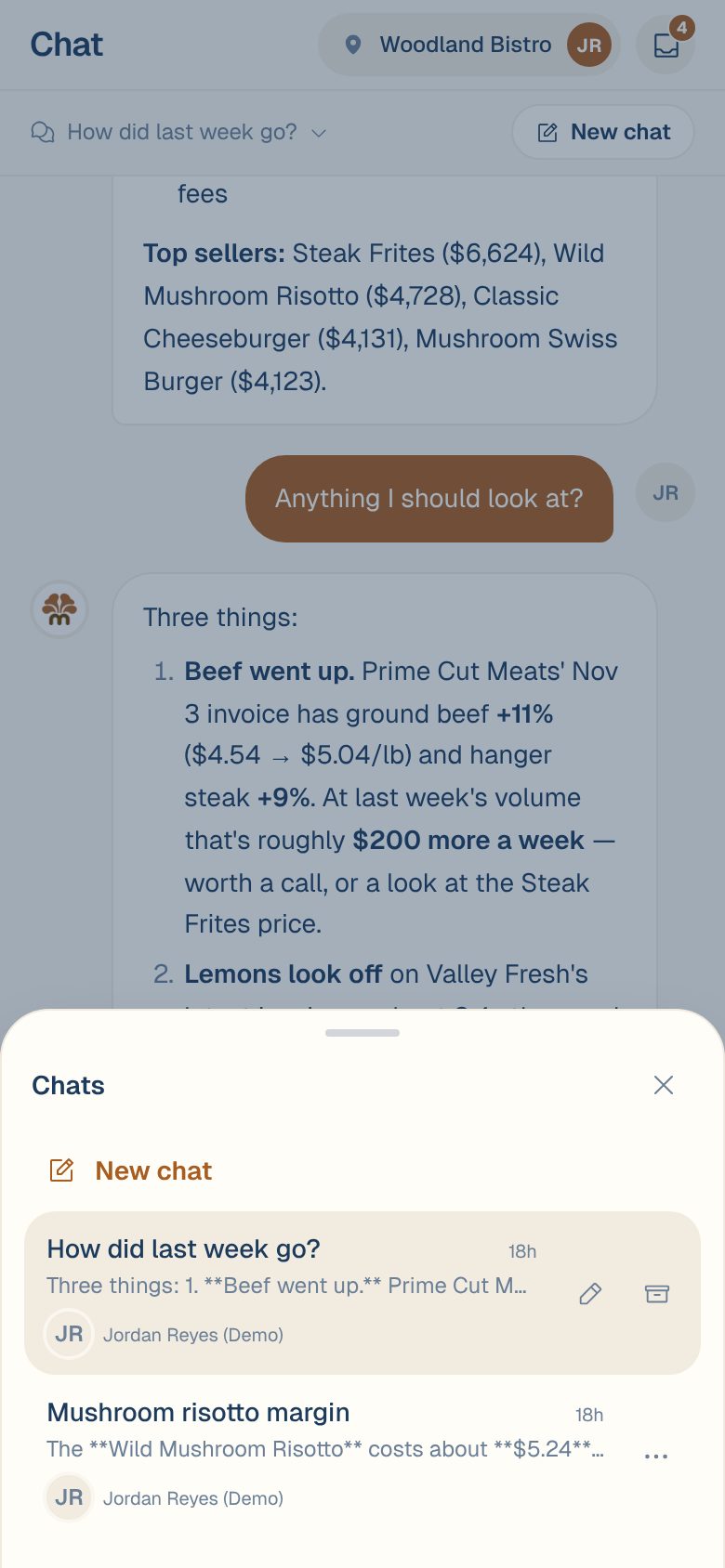
- The Chats list opens, newest first. Each row shows the title, when it was last used, the start of the latest message, and who has taken part.
- Tap a chat to open it.
Rename a chat
- Open the Chats list.
- Tap ⋯ on the chat’s row, then the pencil.
- Type the new name and tap Save.
Archive a chat
- Open the Chats list.
- Tap ⋯ on the chat’s row, then the archive box.
The chat leaves the list for everyone at the location. There’s no way to bring an archived chat back in the app, so archive only what nobody needs.
Common questions
Can I delete a chat?
Archiving is the only option. It takes the chat off the list for your whole team.
A teammate's question showed up in my chat. Why?
Chats are shared at the location. If someone asks in the chat you have open, their message and Maitaki’s answer appear for you as well.
The Chats list says "No chats yet at this location."
Nobody has asked anything at this location yet. Ask a question to start the first chat, or check you’re on the right location.